Sveld
Svelte components as live, interactive views inside VS Code — no server, no build pipeline.
A database dashboard, in a text editor
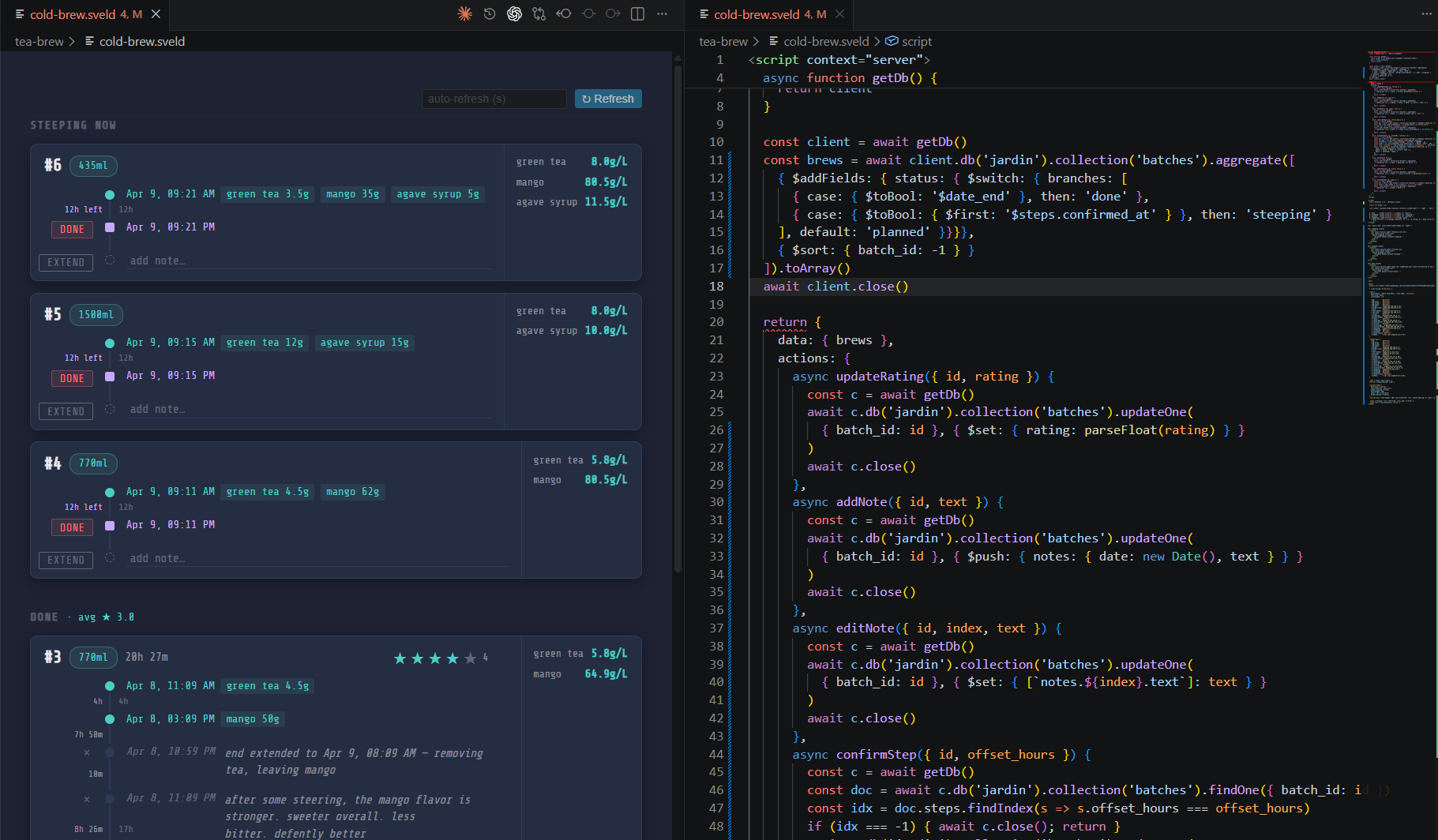
This is Tea Brew — my cold-brew tea tracker — running entirely inside VS Code. The right pane is a .sveld file; the left pane is that same file, rendered as a live view querying MongoDB.
How it works
A .sveld file is a standard Svelte component with one extra block: <script context="server">. That block runs in the VS Code extension host with full Node.js access — require any npm package, query a database, read files, call APIs — and returns props for the component rendered in the webview.
The server block can also expose actions: async functions the view calls with sveldAction(name, payload). An action that returns a value resolves as a Promise in the component; one that returns nothing triggers a full re-render with fresh data. That is enough to build real interactive tools — no web server, no build pipeline, just a file you open.
A complete .sveld file
<script context="server">
  const { MongoClient } = require('mongodb')

  const client = new MongoClient('mongodb://localhost:27017')
  await client.connect()
  const users = await client.db('myapp')
    .collection('users').find().toArray()
  await client.close()

  return {
    data: { users },
    actions: {
      async addUser({ name }) {
        // runs in Node, callable from the view
        // via sveldAction('addUser', { name })
      }
    }
  }
</script>

<script>
  export let users = []
</script>

<ul>
  {#each users as user}
    <li>{user.name}</li>
  {/each}
</ul>